
Free STEM at Home Challenges and Resources
The following is a list of Free STEM challenges as well as websites and apps that you can use to promote STEM learning at home!
1.) STEM at Home Menus

With STEM at home menus kids can choose a STEM activity a day to work on at home. A variety of options are included that involve common household materials to make them easy to complete at home.
Download the FREE STEM at Home Menus HERE.
2.) Make Slime

Making slime is one of the activities on our STEM at home menu. Making slime is a great way to teach about states of matter. It is also a fun way for students to learn about chemical reactions.
To make slime you will need the following ingredients:
Materials Needed:
one 5 ounce bottle of glue or approximately 1/2 cup
1.5 Tbs of baking soda
3 Tbs contact solution
mixing bowl and spoon
measuring cups and spoons
food coloring (optional)
Follow the Steps:
Pour one 5 ounce bottle of glue into the mixing bowl.
If the glue is not already colored add a few drops of food coloring. (optional)
Next add 1.5 Tbs of baking soda to the glue.
Finally add 3 Tbs of contact solution to the mixture and stir.
Have your kids observe what changes occur to the mixture once the contact solution is added. What state of matter do they observe? They should take note that the liquid glue mixture has changed to solid slime.
For more step by step instructions for making slime with photos see this blog post.
3.) Make a Pringle Ring
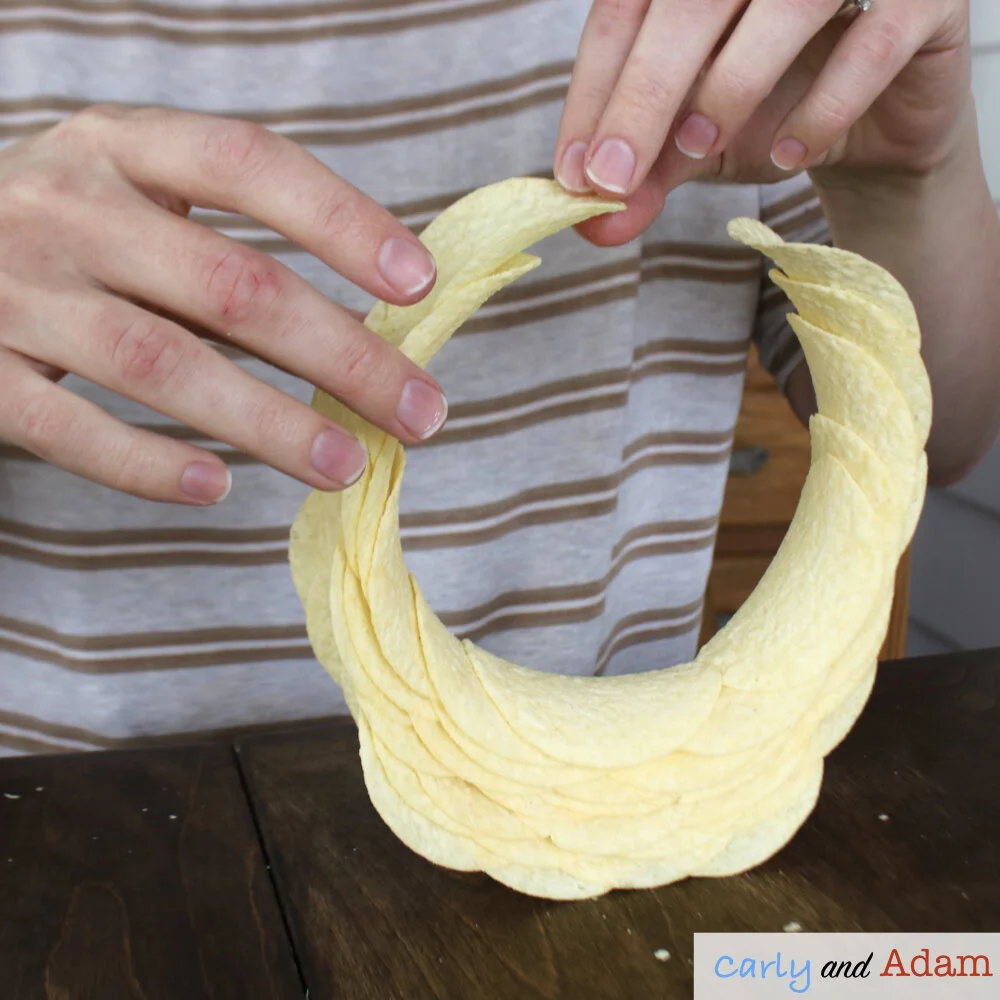
Can your child build a ring using only Pringles chips?
The Pringles Ringle is an engineering challenge with the goal of creating a ring using only Pringles chips, no tape or glue allowed!
This challenge requires a lot of patience as well as careful and precise chip placement. Although, the hardest part of the challenge is not eating all of the chips before finishing the ring.
Due to the difficulty level of this challenge it is recommended for kids at the upper elementary level and older.
We have a FREE recording sheet for this challenge that you can download HERE.
You can learn more about the Pringle Ring STEM Challenge in this blog post.
4.) Longest Paper Chain STEM Challenge
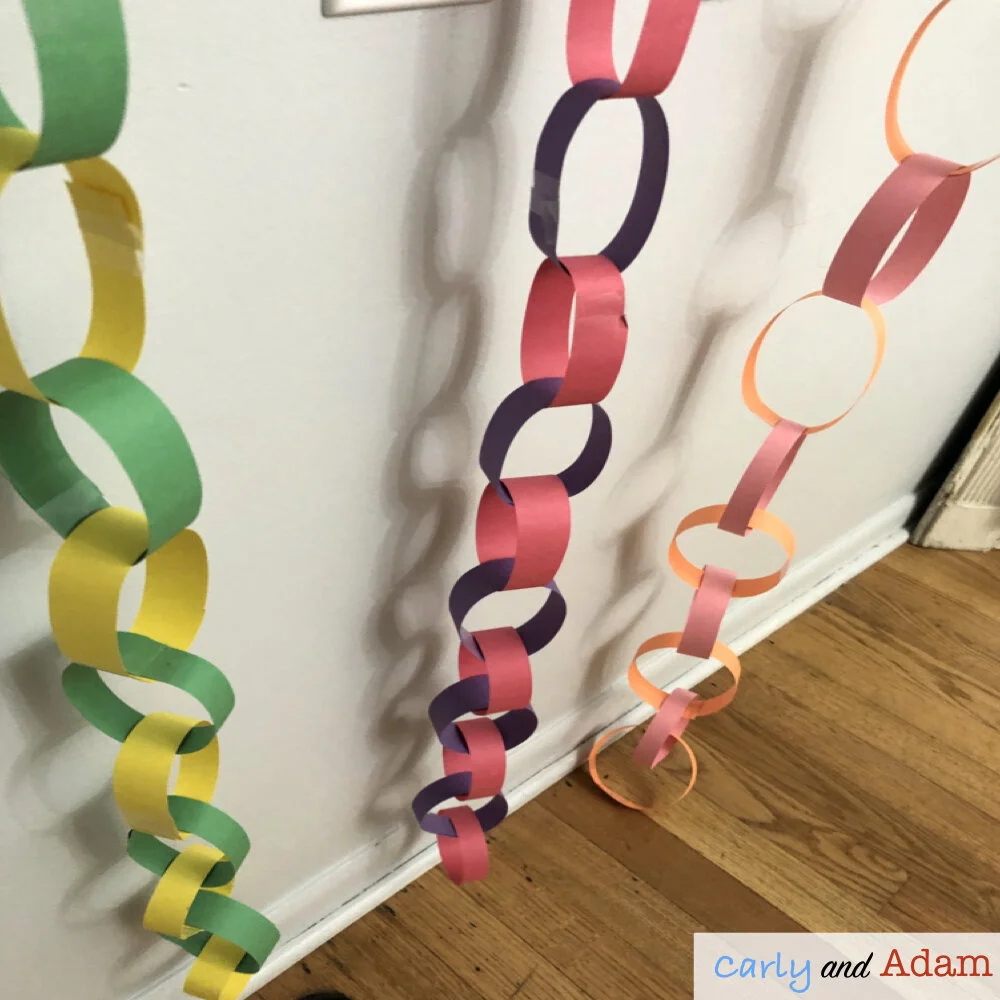
The goal of this challenge is for your child to make the longest paper chain possible using only 2 pieces of construction paper 1 piece of tape (12 inches long).
You can download the full instructions and recording pages HERE.
Materials Needed:
2 pieces of construction paper
1 pair of scissors
1 ruler or measuring tape
1 piece of tape 12 inches long
Instructions:
Give your child the materials listed above. Allow him/her approximately 10 minutes to plan their design. Use the FREE planning pages.
Allow your child 30 minutes to complete their paper chain. At the end of the time limit have them measure their chain. If the chain breaks during the measurement process have them choose only one end of the chain to measure.
Challenge your child to complete the challenge again and see if they can improve their design.
5.) Design a Flying Machine for Rosie Revere Engineer
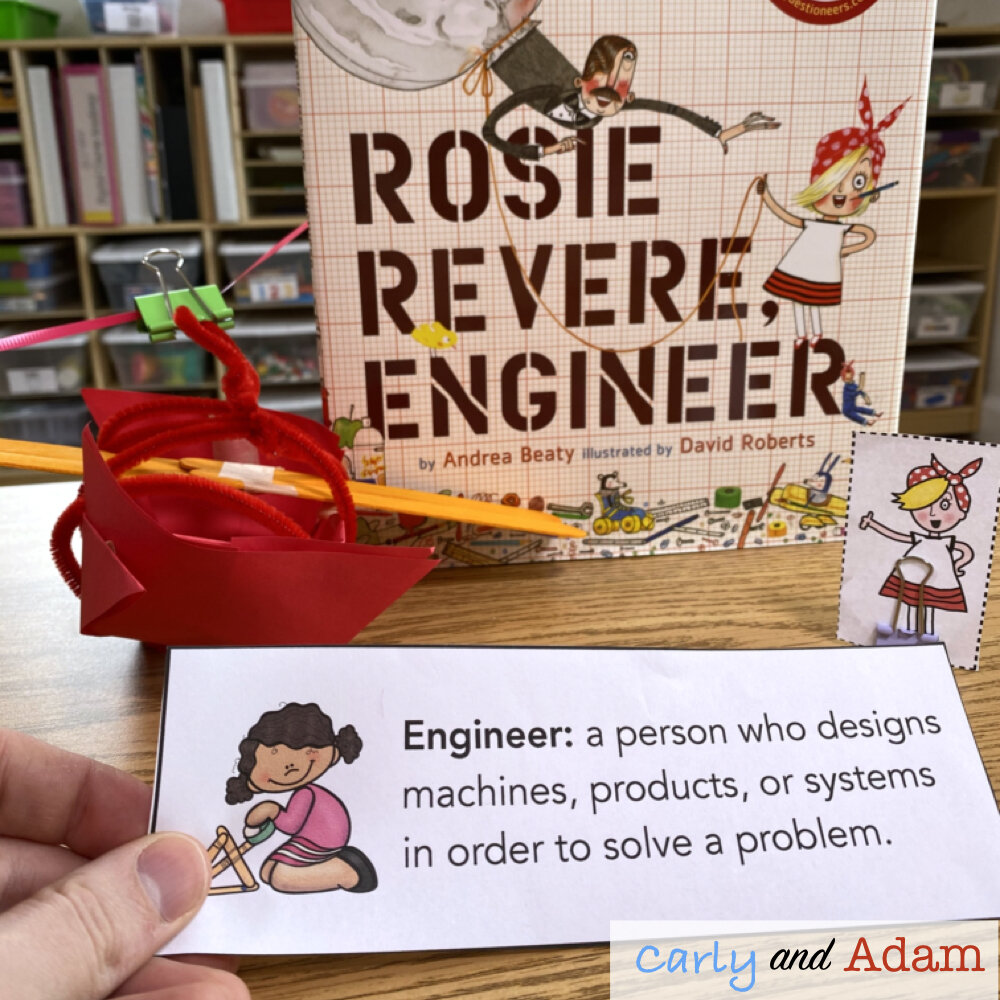
We believe that connecting STEM and stories is a powerful way to engage students in learning. Reading a story before a STEM challenge helps set up the problem for students to solve.
In the story Rosie Revere Engineer by Andrea Beaty the problem is that Rosie is trying to design a flying machine, but she just can’t get the design quite right.
Challenge your child to help Rosie design a flying machine.
You can download the full instructions and recording pages HERE.
Materials Needed:
1 Rosie Revere cutout
2 feet of tape
6 pipe cleaners
1 piece of construction paper
4 large popsicle sticks
scissors
pencils and STEM journals
2 binder clips (one for the zip line and 1 to make the Rosie Revere cutout stand up)
fishing line or string for the zip line
Rosie Revere Engineer by Andrea Beaty
*You can watch an astronaut in space read the book HERE.
Instructions:
Give your child the materials listed above. Challenge him or her to design a flying machine for Rosie that can travel down a zip line. Get the full instructions and student recording pages HERE.
FREE Online STEM Websites and Apps
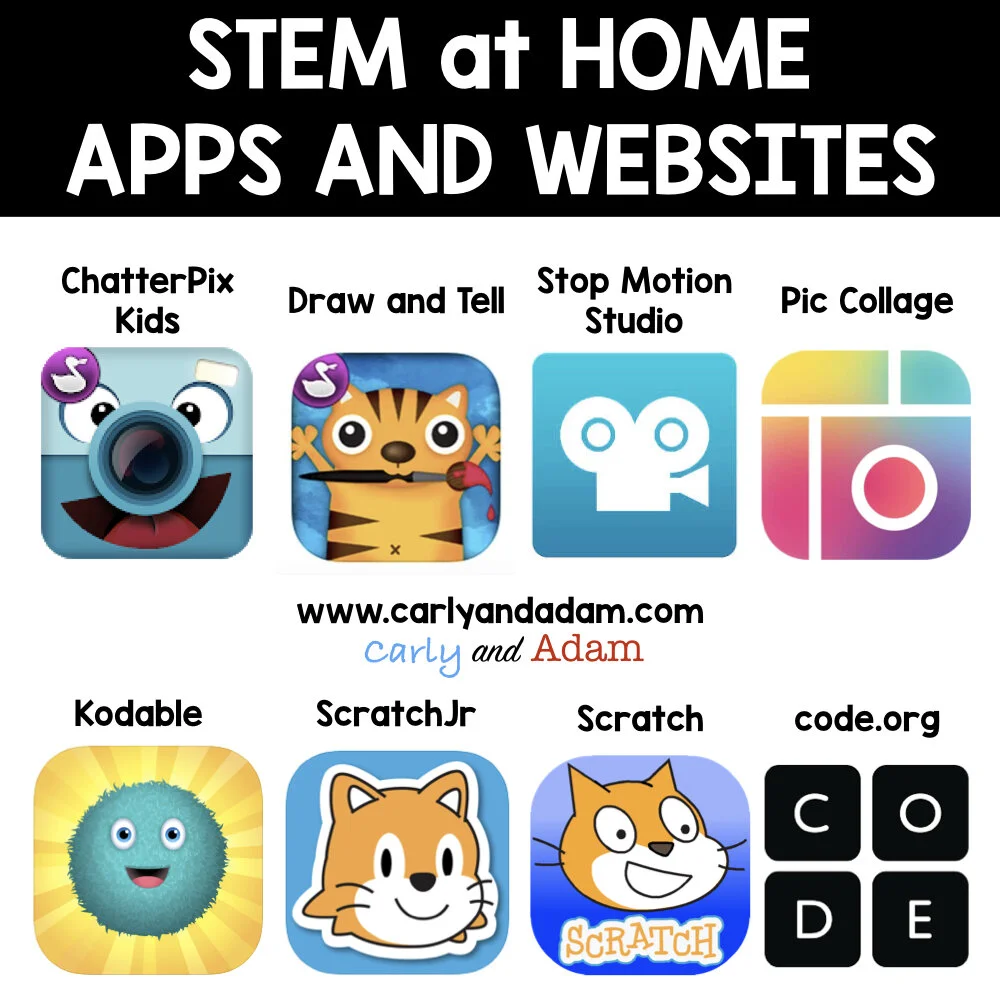
ChatterPix Kids App
Age Range: ages 4 and up
What Does It Do: This app allows kids to make anything talk. They take a picture of something they have drawn or any image, draw a line where the mouth is and record their voice.
Uses: Some uses for this App include animating a character in a fictional story or telling facts about a famous person in history.
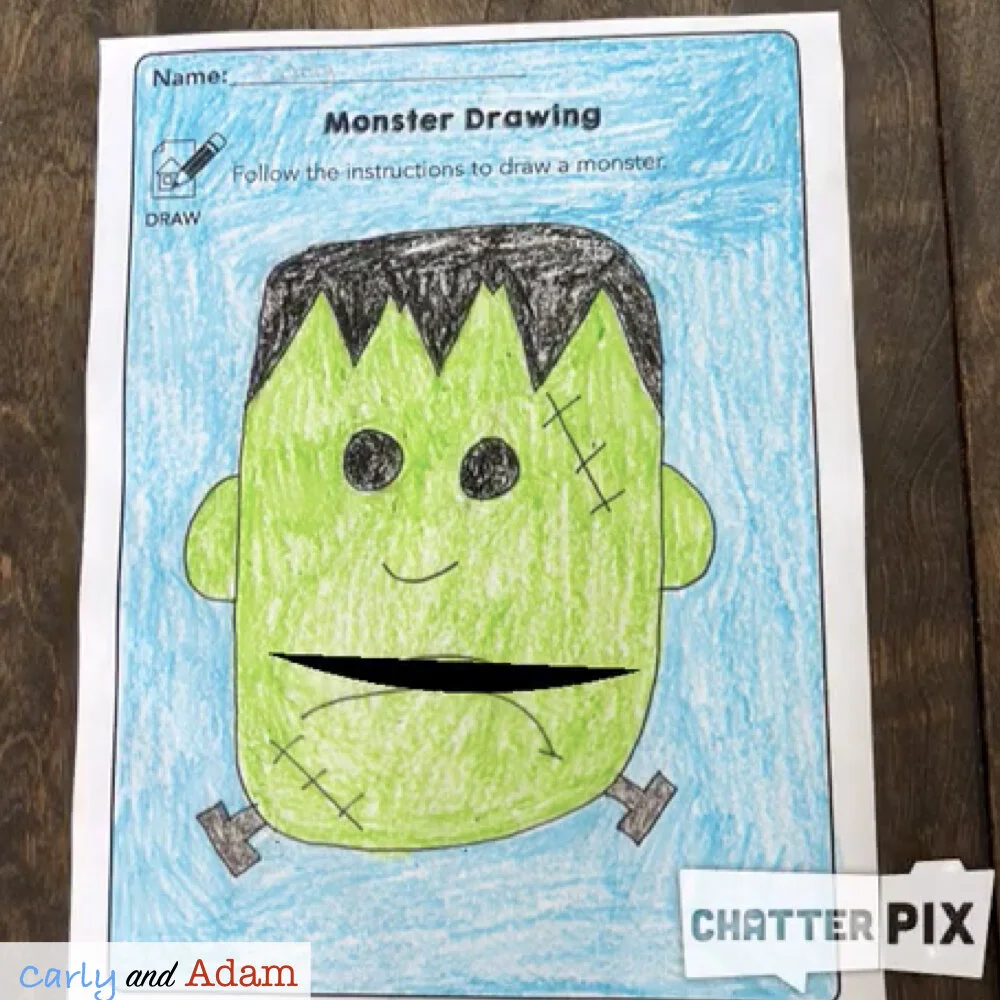
We have a FREE Monster Directed Drawing Activity using ChatterPix Kids. For this activity kids draw a picture of a monster, and write a fictional story about their monster. Finally, students animate their monster using the ChatterPix Kids App. Learn more about the activity in this blog post.
Draw and Tell App
Age Range: ages 4 and up
What Does It Do: This app allows kids to draw a picture. After the kids create their drawing they can make a recording telling about their creation.
Uses: Kids can use the app as a creative way to tell a story.
Stop Motion Studio
Age Range: ages 4 and up
What Does It Do: This app allows kids to easily create a stop motion video.
Uses: Kids can use the app to tell a story through stop motion video.
Pic Collage
Age Range: ages 12 and up
What Does It Do: This app allows kids to create photo collages.
Uses: Kids can use the app to create collages of images they take. For example kids could create a collage of 3D shapes they found on a walk.
Kodable
Age Range: ages 4-10
What Does It Do: This app allows kids to practice coding.
Uses: Help students learn to code.
ScratchJr
Age Range: ages 5-7
What Does It Do: Scratch is a coding language for kids.
Uses: Kids can create their own interactive stories, and games by snapping together graphical programming blocks.
Scratch
Age Range: ages 8-16
What Does It Do: Scratch is a coding language for kids.
Uses: Kids can create their own interactive stories and games by snapping together graphical programming blocks.
Code.org
Age Range: grades K-12
What Does It Do: This website allows kids to practice coding.
Uses: Help students learn to code.
If you try out and of these challenges or ideas please share photos on social media and tag us (@carlyandadam on Twitter and Instagram). You can also share your photos with us in our Facebook group, Elementary STEM Teachers Club.
Join our FREE Facebook group Elementary STEM Teachers Club!
We hope you have found this blog post helpful. To stay connected with Carly and Adam's teaching tips and classroom freebies be sure to follow us on Facebook, Pinterest, Teachers Pay Teachers, and subscribe to our blog!