The following is a guest post from Christine Dixon.
Teaching elementary STEM during these trying times with COVID is a design challenge with new constraints being added on a daily basis. Whether you are teaching remotely, on a hybrid schedule, or in person our "normal" way of teaching STEM has had to be reinvented.

Although my K-5 students are now phased back to a hybrid model (2 days on campus, 3 days virtual), I am teaching STEM virtually when they are learning remotely from home. The biggest design challenge I have faced is student participation and keeping them engaged in our asynchronous lessons.
Here are 3 things that have helped:
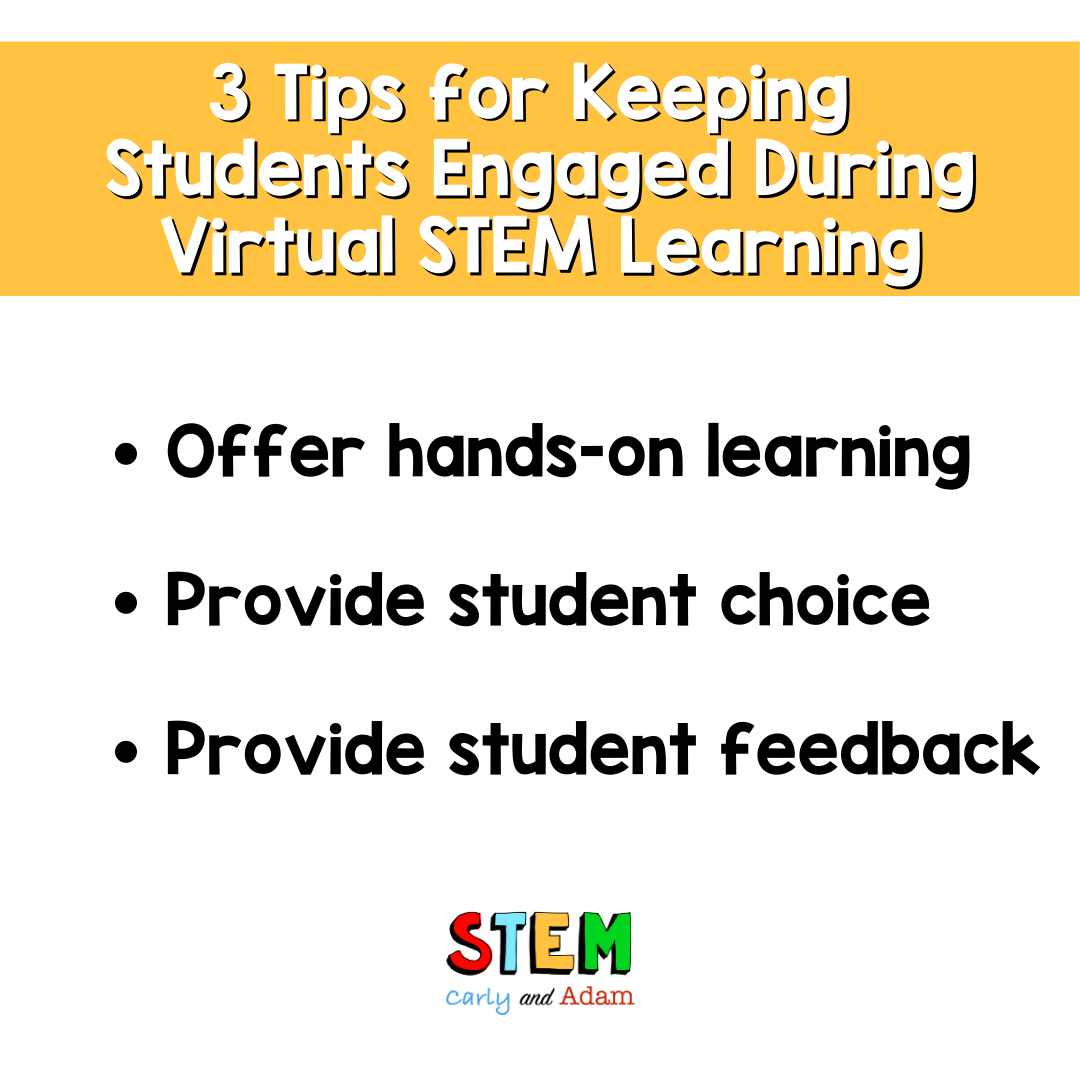
1. Offer Hands-on Learning
One of the most important ways I saw student engagement increase was to focus on off screen, hands-on time. Collaborating with my friend and colleague, Marla Rosenthal, we brought the makerspace our students miss so much to them with our weekly at-home STEAM Challenges.
Beginning with building an at-home Makerspace, students were challenged to create a space to collect recyclables, craft materials, and supplies for the many challenges that would follow. Students look forward to these weekly STEAM challenges as a chance to show off their creativity at home.

2. Provide Student Choice
Another helpful way to keep my students coming back for our weekly remote STEM lessons is to provide a variety of choices to determine how they learn and how they show their learning.
I saw quickly that in the distance learning setting, giving students options increases participation and keeps them engaged. One way to offer choices is to provide students with STEM menus and choice boards.

Here are some options for you to try out with your students:
3. Provide Student Feedback
If I am not on a Zoom with my students or creating asynchronous lessons, I am spending a great deal of time checking in on student work and providing feedback. Although tedious with so many students, it has proved to be such an important motivator for my students to stay accountable for completing assignments asynchronously.
Hopping onto Google Classroom, I can see their workflow on their Digital Innovation Journals and creative works in progress. I also use Fliprid, not only for students to show off their final creations with our weekly STEAM challenges, but I also use it as a progress “check in'' each week where they can share their learning with other students.
I will often use these Flipgrid videos and pictures to share on our school’s social media, celebrating students’ work with the entire school community.
As with any design challenge, there is not one perfect solution, but these 3 things have been helpful in my own journey of teaching STEM remotely.

For more virtual STEM learning tips check out the following posts:
Free STEM at Home Challenges and Resources
Using Seesaw for STEM Distance Learning
5 Read Aloud STEM, STEAM, and Coding Challenges Using Only Paper and Tape
Join our FREE Facebook group Elementary STEM Teachers with Carly and Adam!
We hope you have found this blog post helpful. To stay connected with Carly and Adam's teaching tips and classroom freebies be sure to follow us on Facebook, Pinterest, Teachers Pay Teachers, and subscribe to our blog!