Anytime is a great time to teach kids about coding! Introducing young learners to foundational coding skills helps build critical thinking, problem-solving, and creativity year-round.
However, we love teaching these lessons in December to align with the Hour of Code and Computer Science Education Week (CSEd Week). These global initiatives are dedicated to celebrating computer science and inspiring kids to dive into the world of coding.
These unplugged coding centers and activities are the perfect way to bring the joy of coding to your classroom, offering hands-on, screen-free activities that engage and excite students.
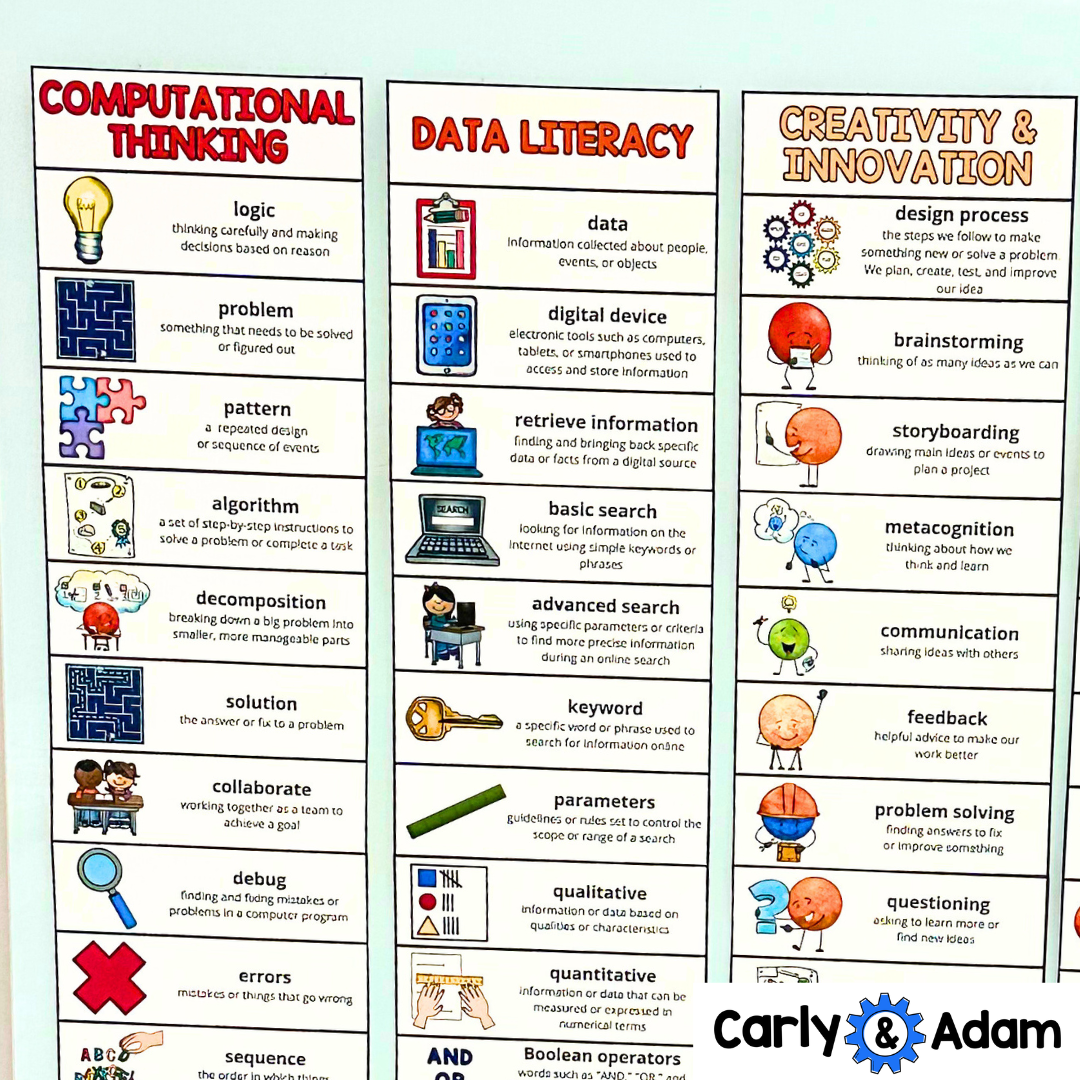
Technology Word Wall
Teaching coding and technology to kids involves breaking down complex ideas into engaging, hands-on activities that encourage exploration and creativity. A key step in this process is helping students build a strong foundation by understanding the vocabulary associated with coding.
Terms like "algorithm," "sequence," and "debugging" may seem intimidating at first, but they are essential for grasping the logic and structure behind programming. Introducing these terms early and using tools like a word wall can make a significant impact.
A word wall provides a visual and interactive way for students to familiarize themselves with key concepts, reinforcing their learning as they apply these terms in activities. By connecting vocabulary to tangible coding exercises, students can develop a deeper understanding of how coding works and feel more confident in navigating this exciting field.
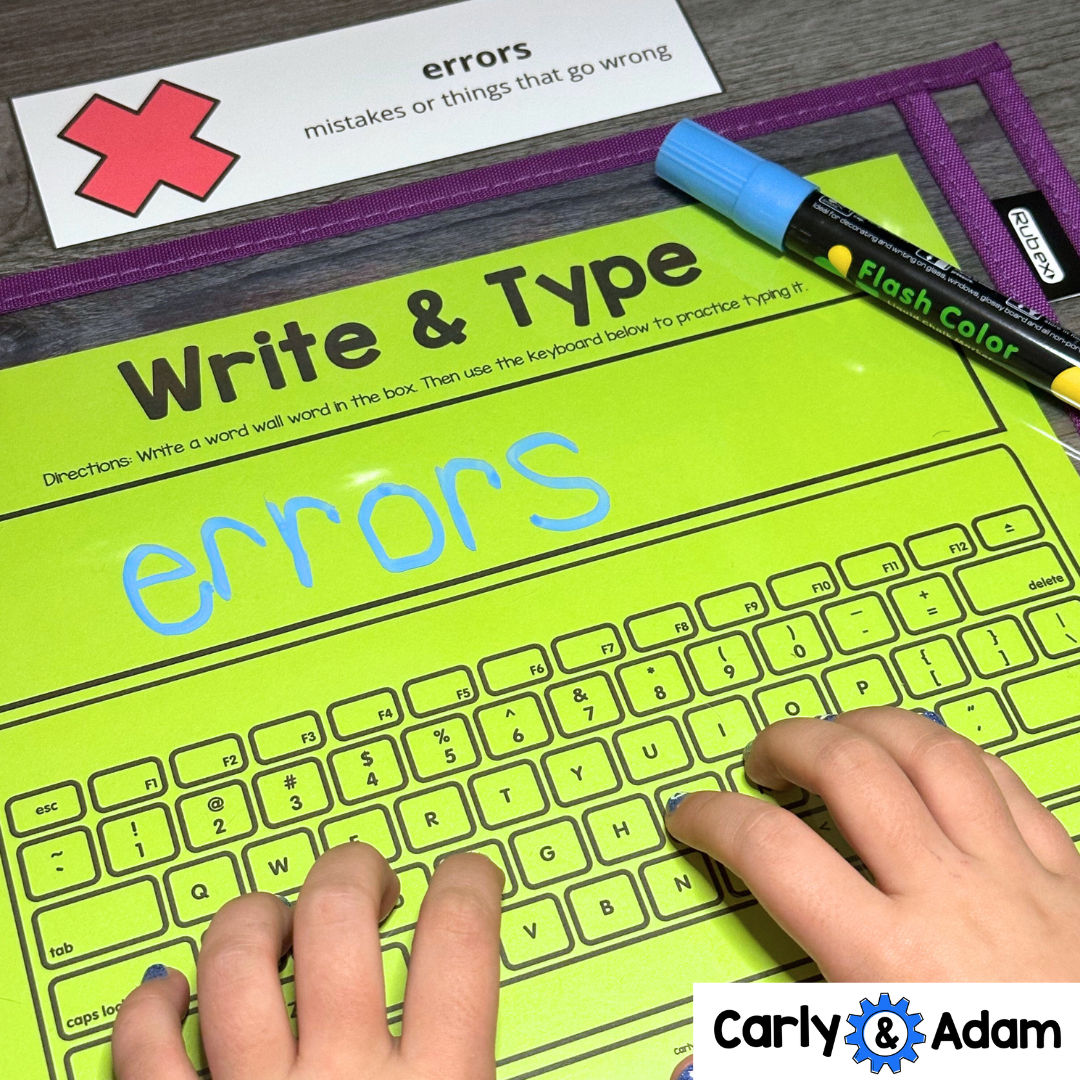
Unplugged Coding Activities for Kids
Whether you’re looking to spark interest in coding or deepen students’ understanding of computational thinking, these centers make it easy. With their interactive design, they’re ideal for Hour of Code sessions, CSEd Week celebrations, or any day you want to explore coding concepts.
Here’s a look at how each center can inspire the next generation of problem-solvers!
12 Unplugged Coding Activities for Kids:
Stack the Code
Crack the Code
Bug Busters
Binary Pixel Builders
Algorithm Art
Code Words Match Up
Spell It Unplugged
Tic-Tac-Code
Creative Code Blocks
Brick By Brick Coding
Puzzle Blocks Lab
Color By Code

1.) Stack the Code
Students use a coding mat, mini cups, and task cards to follow simple algorithms that guide them to stack cups in specific ways. This center develops sequencing and spatial reasoning skills as students decode and follow instructions to complete each stack pattern.
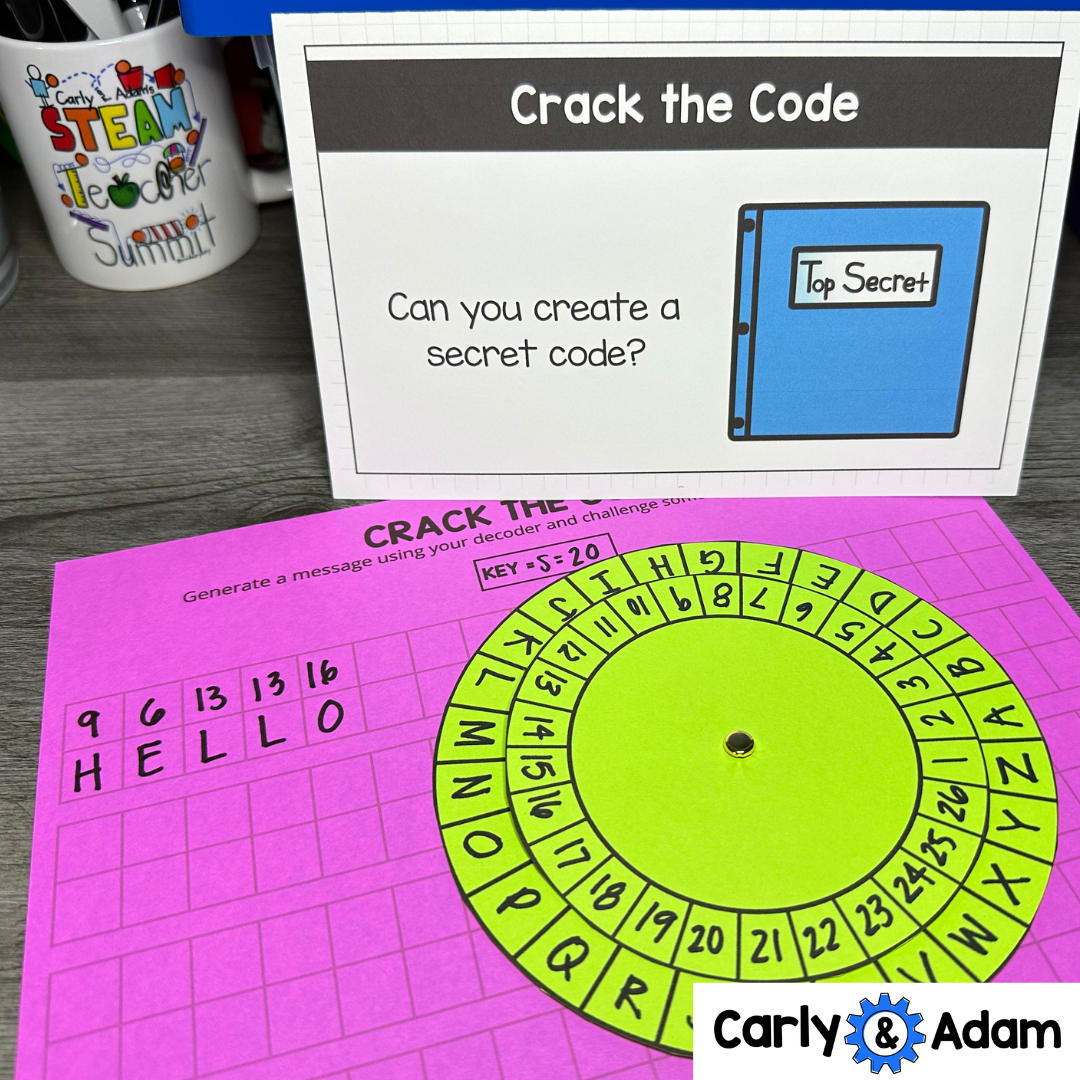
2.) Crack the Code
Using secret decoder wheels, students create and decipher coded messages. They learn about encryption and decryption, while developing critical thinking and problem-solving skills by writing and solving their own coded messages.
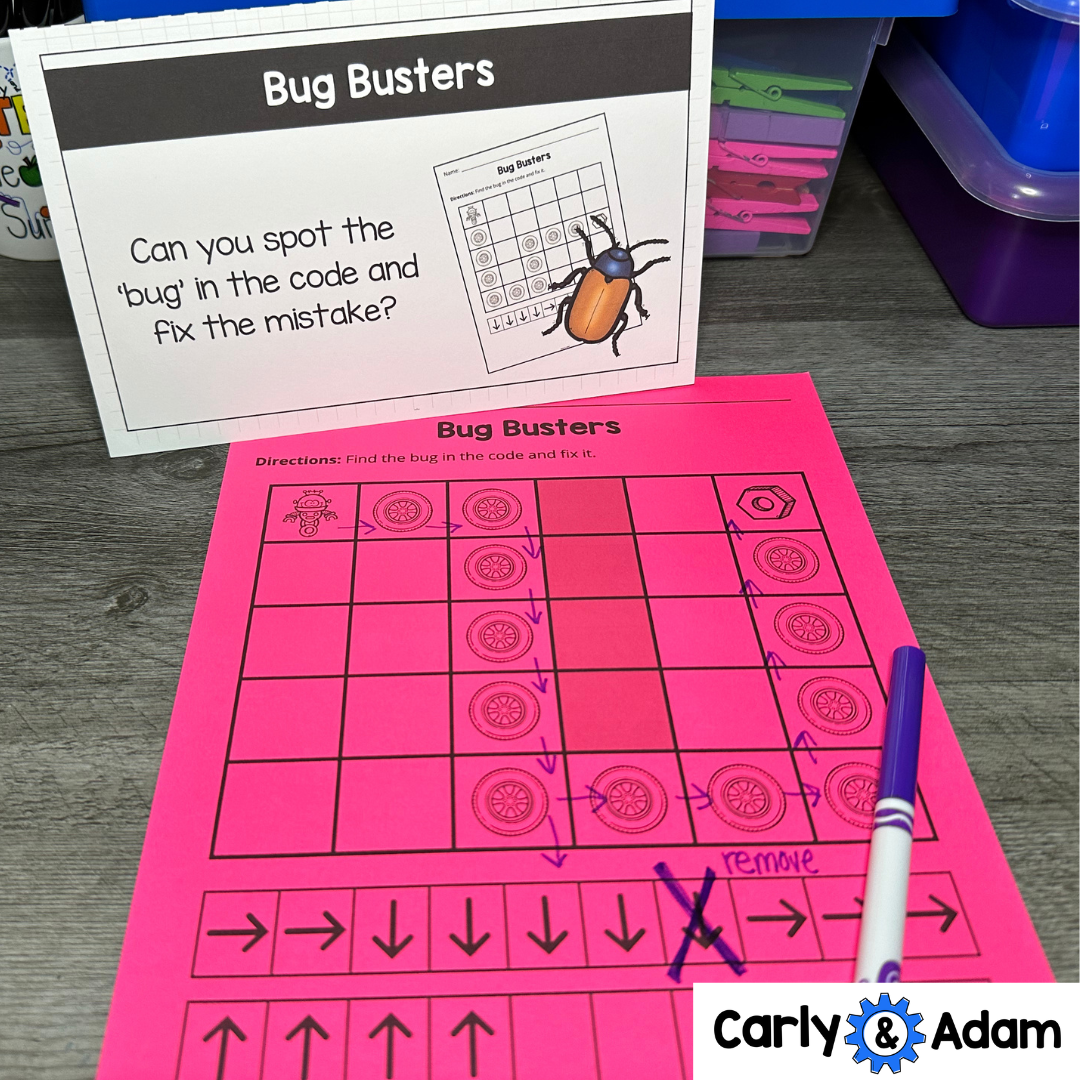
3.) Bug Busters
In this activity, students debug a set of “buggy” codes by identifying and fixing errors. It’s an introduction to troubleshooting and helps students understand that mistakes are a natural part of coding and problem-solving.
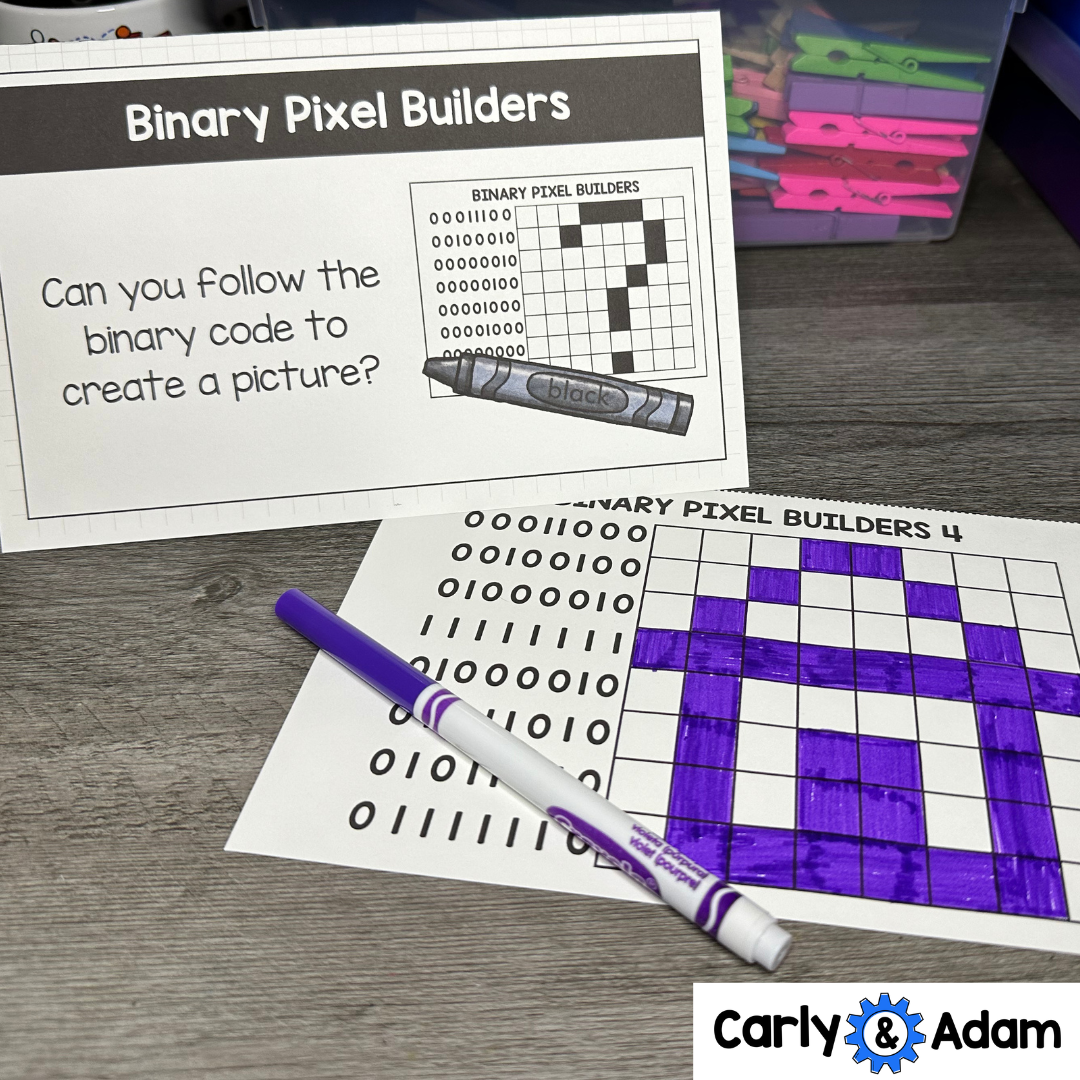
4.) Binary Pixel Builders
With printables and coloring tools, students use binary code to create pixel art images. This center introduces the concept of binary code, the basic language of computers, in a visual and accessible way.
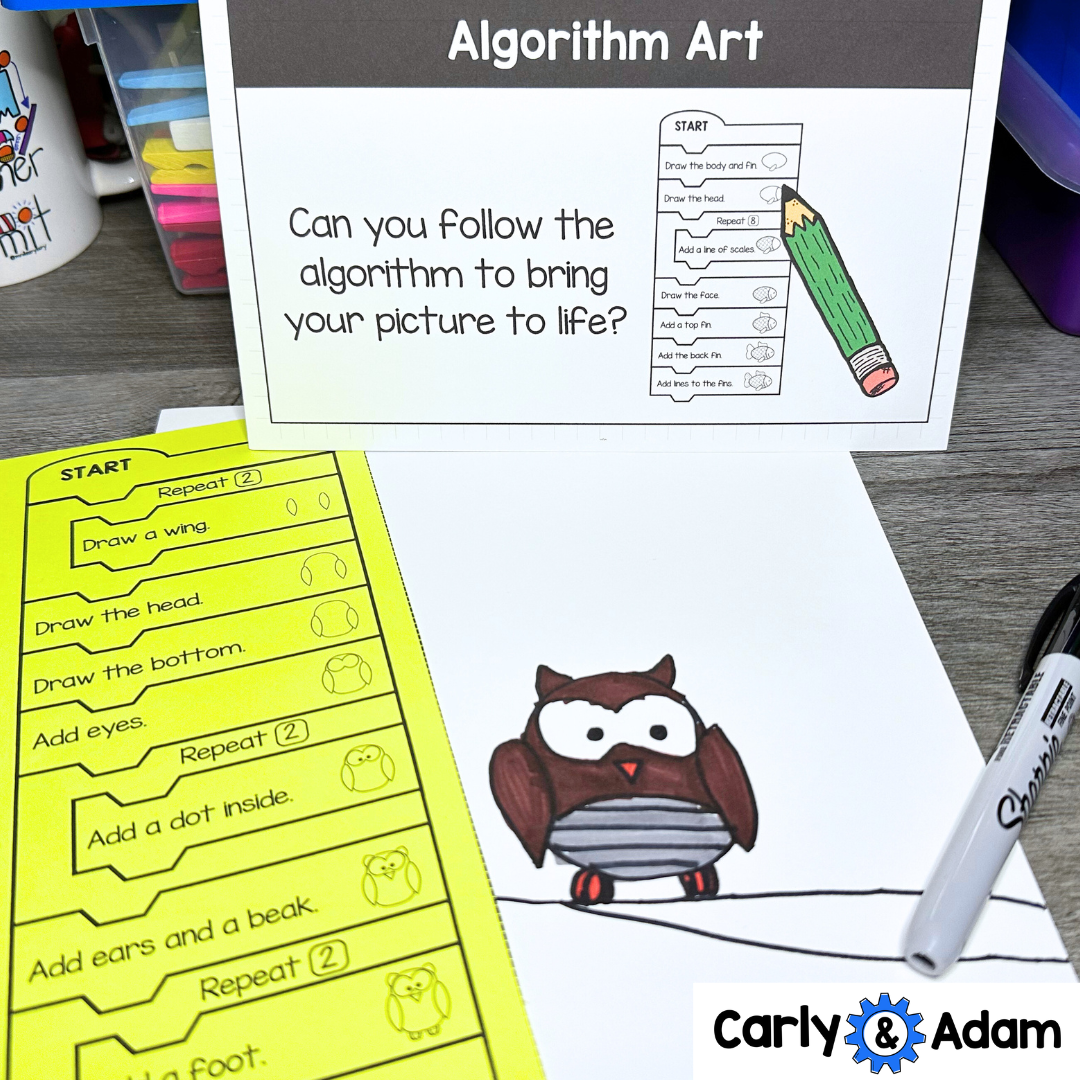
5.) Algorithm Art
Students follow an algorithm to create unique artwork, combining creativity with coding. This activity helps students grasp the concept of algorithms as they follow specific steps to produce a finished image.
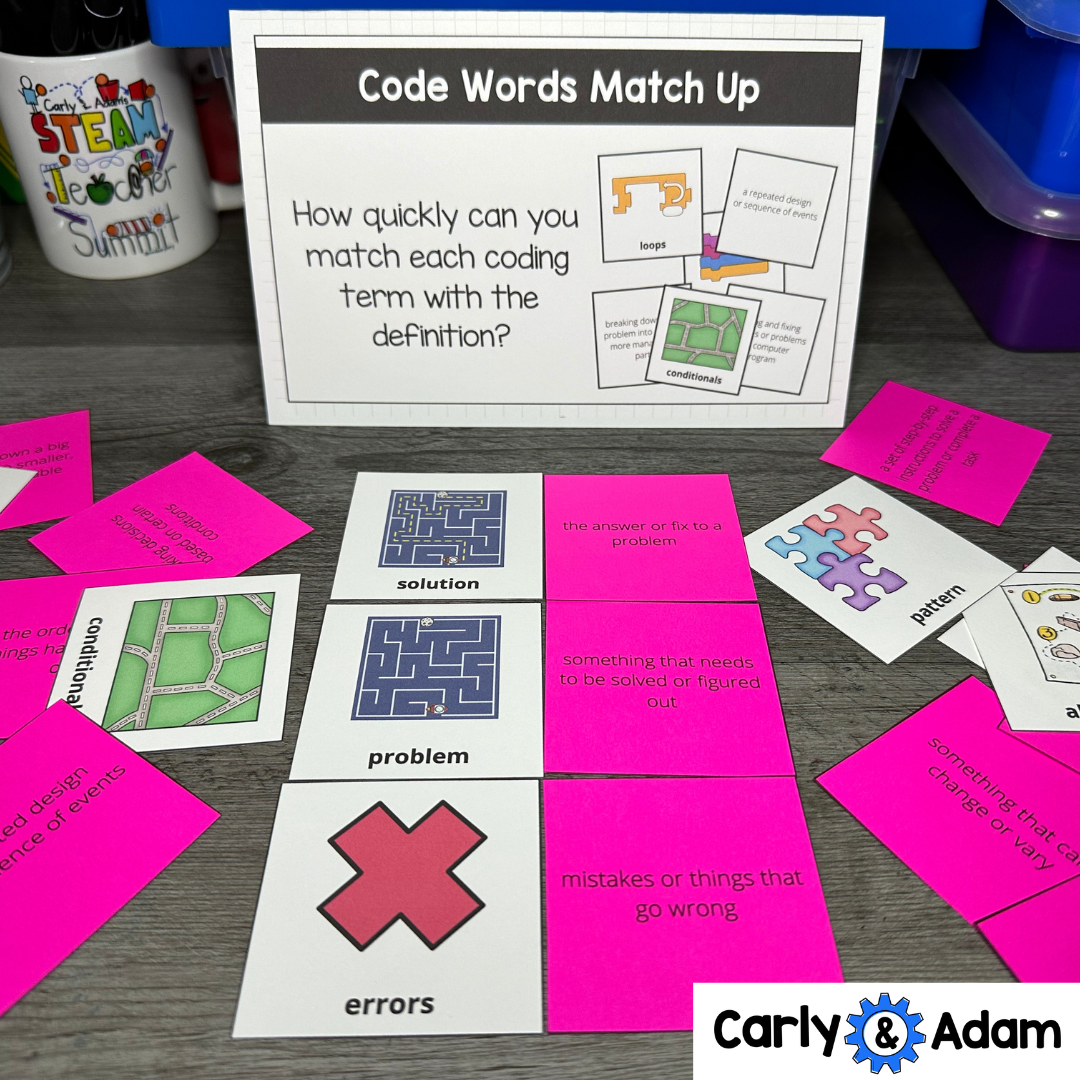
6.) Code Words Match Up
Vocabulary cards in this activity introduce essential coding terms. Students match each term with its definition, helping them build a foundational coding vocabulary in a fun, interactive way.

7.) Spell It Unplugged
Students use coding symbols to spell out words. This center reinforces the relationship between symbols and actions, showing students how codes can represent real-world actions or instructions.
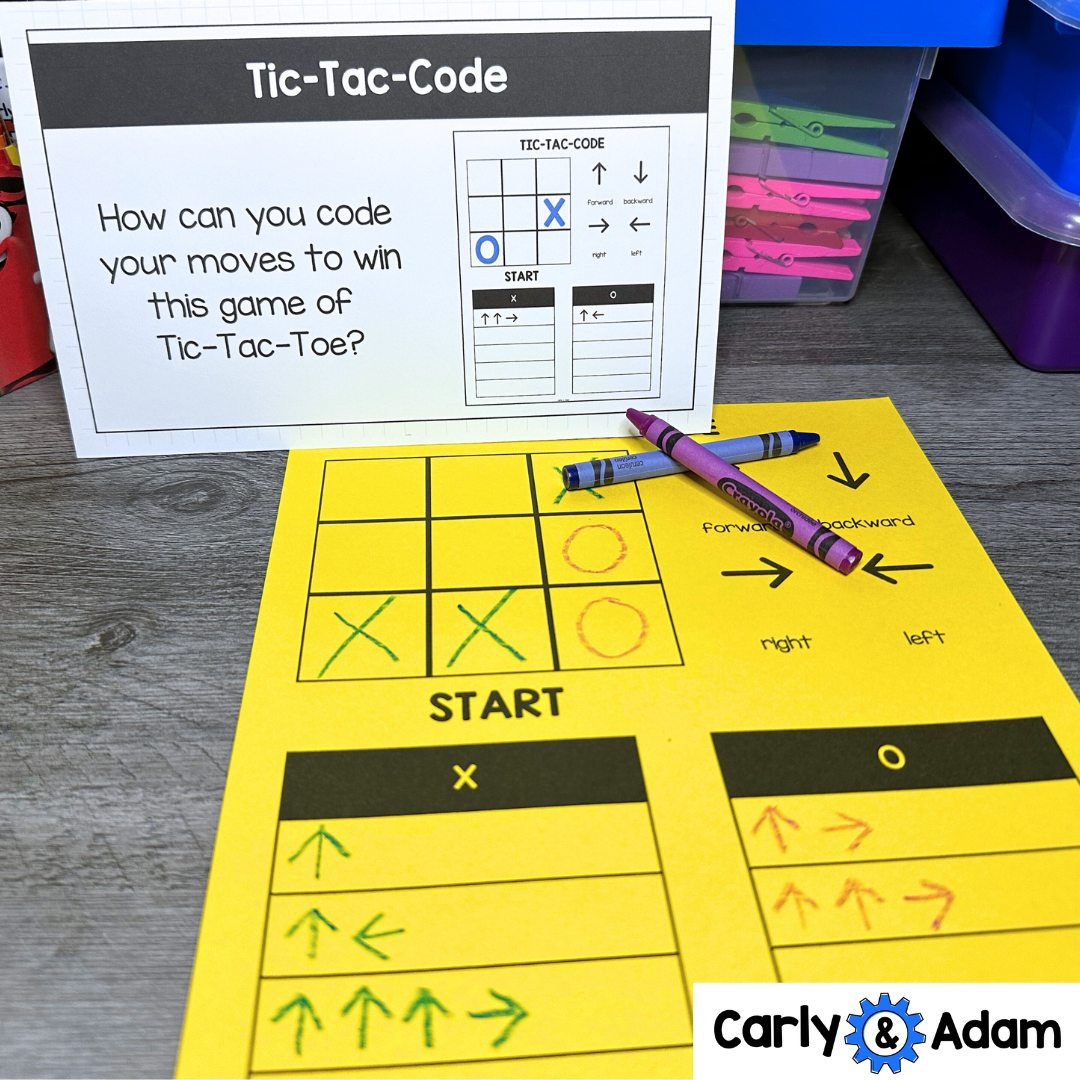
8.) Tic-Tac-Code
A coding twist on the classic Tic-Tac-Toe game! Students code their moves to win, reinforcing strategic thinking and pattern recognition in a familiar game format.
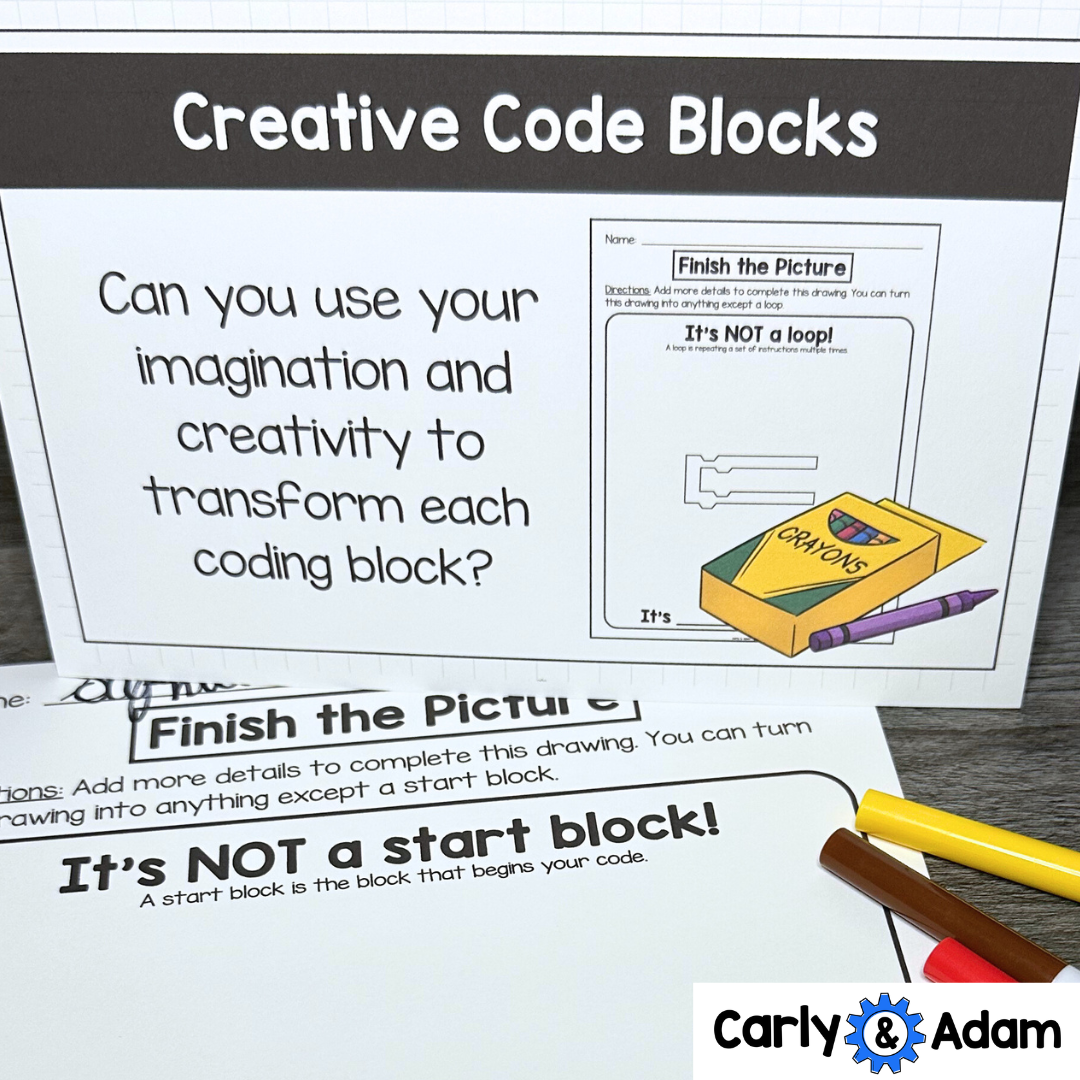
9.) Creative Code Blocks
Students use coding printables to transform each coding block creatively. This encourages them to explore how different commands can lead to unique outcomes.
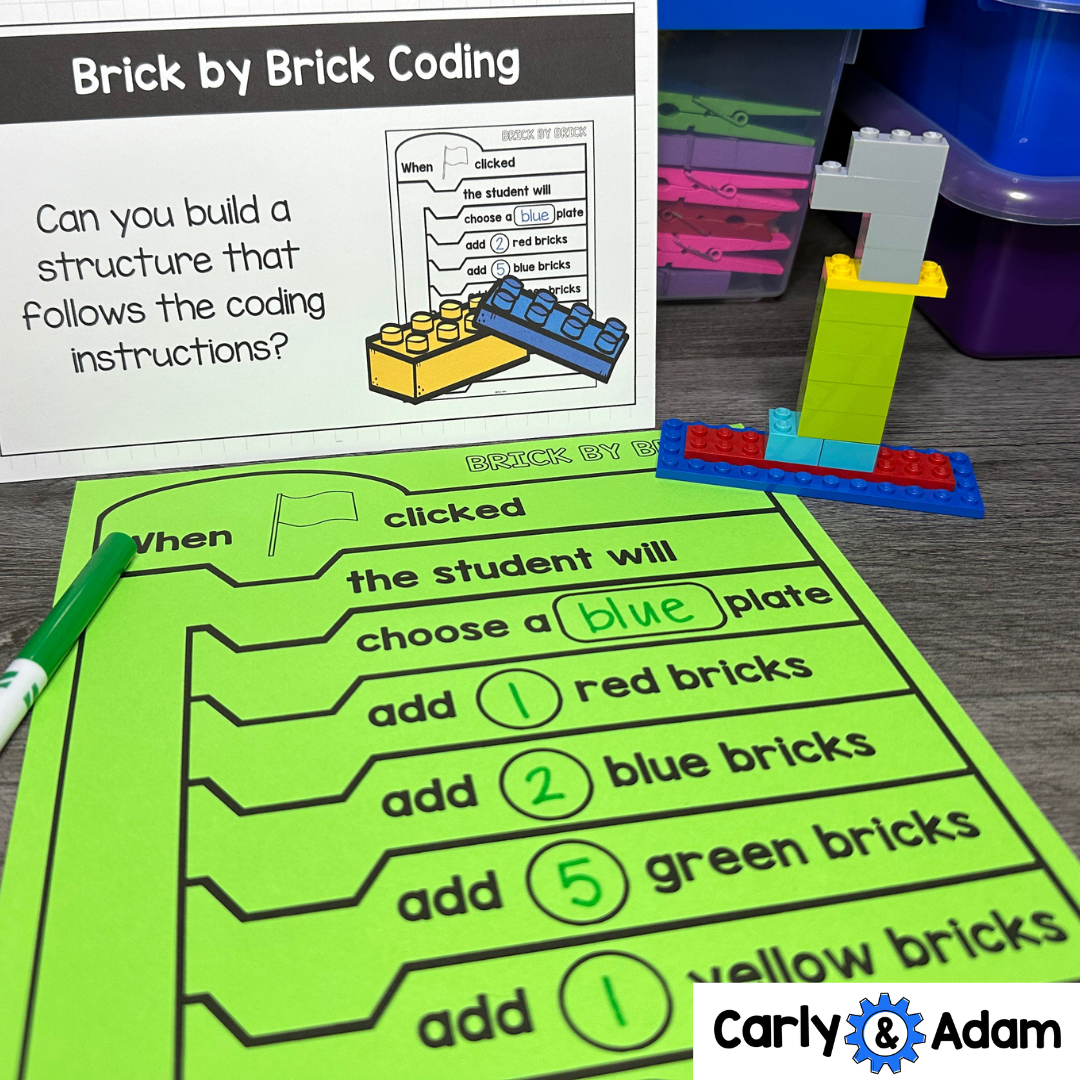
10.) Brick by Brick Coding
Using LEGO bricks and coding instructions, students build structures by following specific instructions. This tactile activity promotes spatial reasoning and introduces block-based logic.
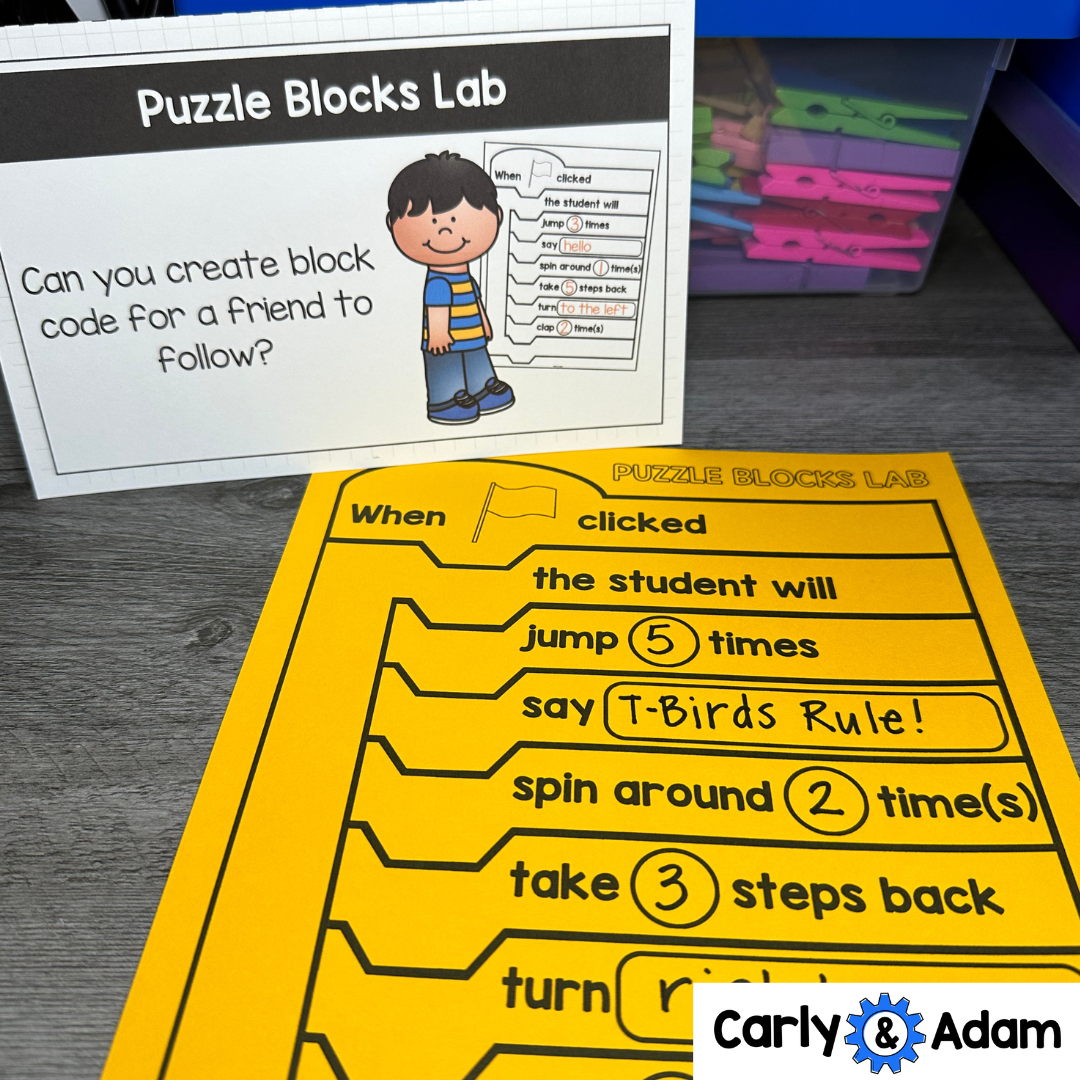
11.) Puzzle Blocks Lab
Students create block code for a partner to follow, simulating a real coding experience by developing instructions that someone else has to follow precisely.
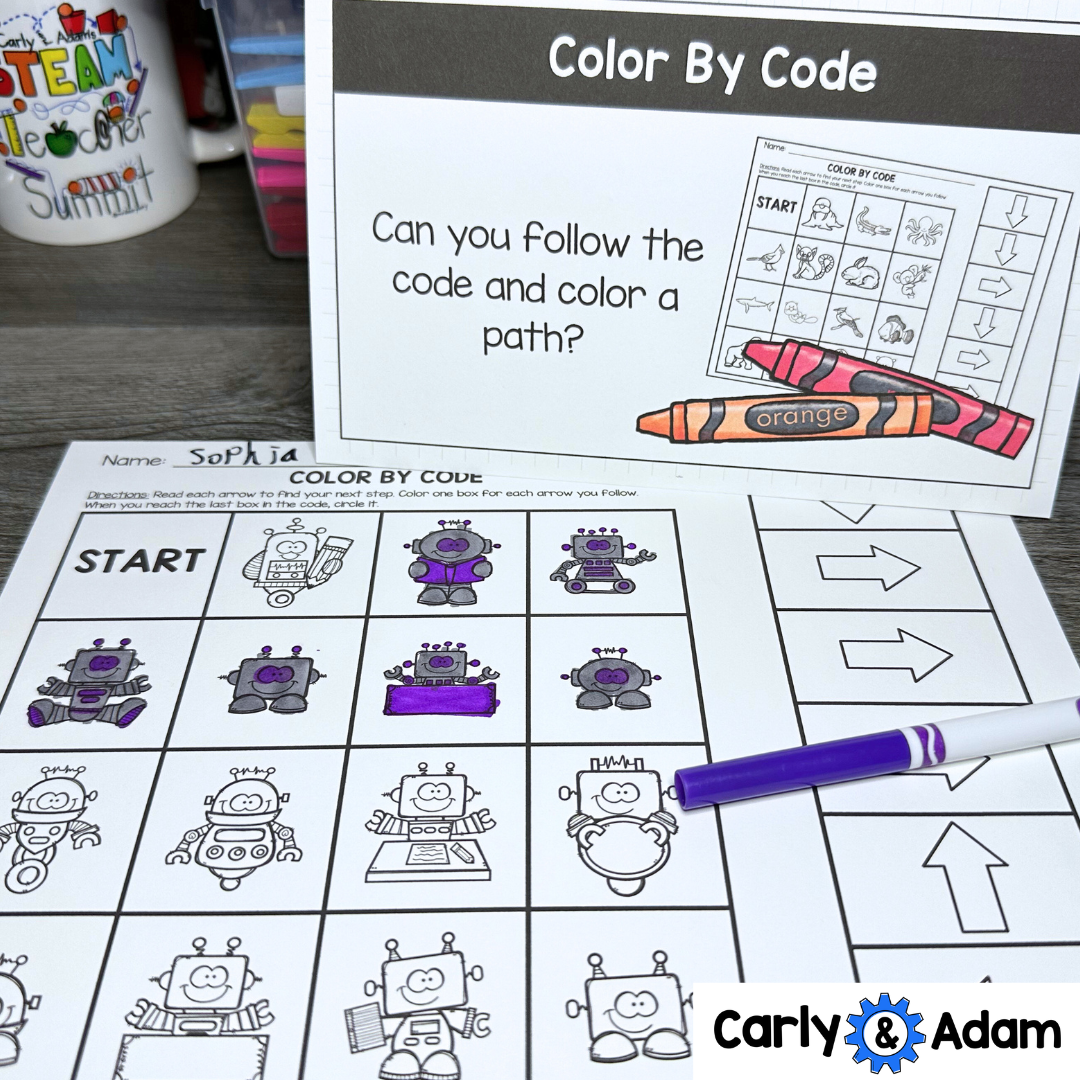
12.) Color by Code
Students color a path by following coded instructions, reinforcing the basics of sequencing and the concept of “if-then” logic through color-coded algorithms.
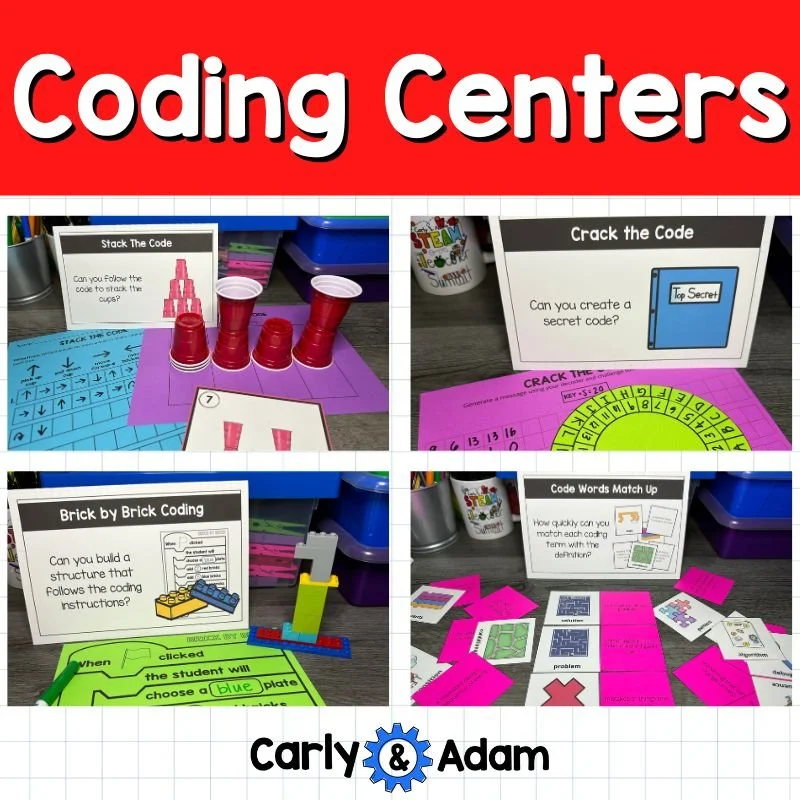
Each center in this unplugged coding resource is designed to make coding concepts tangible, fun, and accessible for young learners.
Use these centers during CSEd Week and the Hour of Code to offer a hands-on coding experience that encourages teamwork, problem-solving, and creativity. Get ready to inspire the next generation of coders with unplugged coding!
Spend Less Time Planning and More Time Teaching!
Hands-on STEM learning starts here.
Find ready-to-use STEM Activities and Science Curriculum, Practical Professional Development, and a Community of Educators to help you teach STEM with confidence.
You can get all 1000+ STEM Challenges by Carly and Adam as part of the STEM Teachers Club. Save 30% on your first month/year using coupon Code: CarlyAndAdamBlog.