
When a game asks for information or an unfamiliar message appears, students need a next step they can say out loud. Our First Grade Online Safety Scenario Cards uses paper situation cards to help first graders practice what they might do. It fits well before a school break, when classroom device rules can feel far away.
As an Amazon Associate, Carly and Adam earn from qualifying purchases.
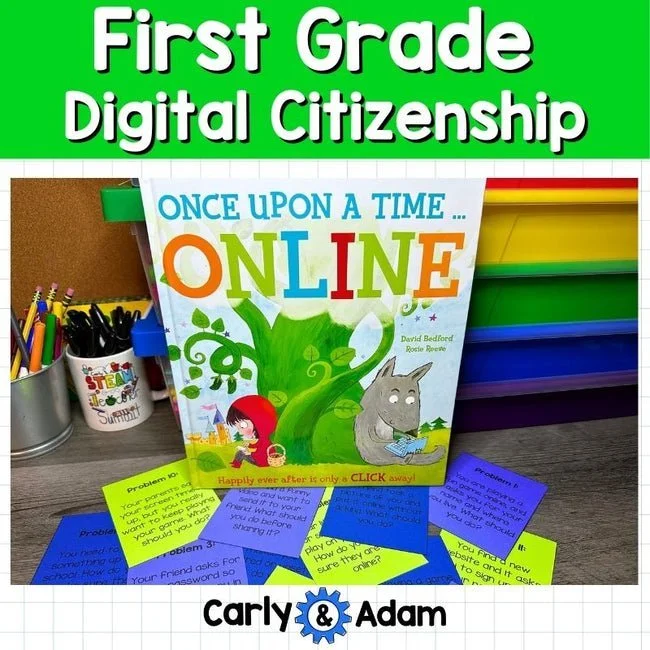
First grade digital citizenship cover with a picture book and situation cards. Use the optional the lesson read-aloud to talk about the characters’ choices. Then build an internet safety chart with the class. Keep it short enough to remember: ask before going online, keep personal information private, and tell a trusted adult if something feels wrong. Invite students to explain one rule in words they would actually use. What should a first grader do when something on a screen feels wrong? This digital citizenship article helps teachers turn online safety rules into responses kids can rehearse. Start with an optional read-aloud and make a short safety chart together. Then model how to read a situation card, identify the problem, and act out a safer choice.
Agree on a few rules first
Use the optional Once Upon a Time Online read-aloud to talk about the characters’ choices. Then build an internet safety chart with the class. Keep it short enough to remember: ask before going online, keep personal information private, and tell a trusted adult if something feels wrong. Invite students to explain one rule in words they would actually use.
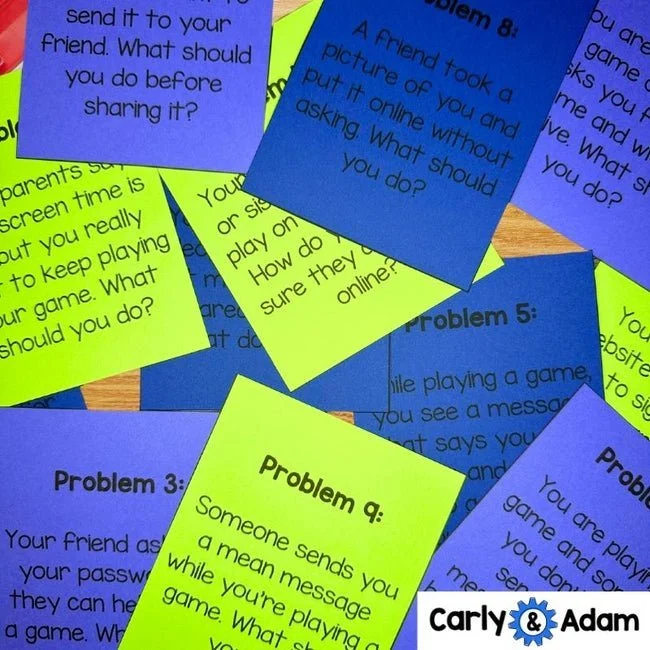
Close-up of printed online safety situation cards on colored paper. The resource includes 14 situation cards, teacher and student directions, vocabulary materials, and editable Canva slides. Print and cut the cards and clear a small space for acting. Read a card aloud and model how to pause, choose a response, and show that response in a short scene. Point to the rule that helped you decide. What should a first grader do when something on a screen feels wrong? This digital citizenship article helps teachers turn online safety rules into responses kids can rehearse. Start with an optional read-aloud and make a short safety chart together. Then model how to read a situation card, identify the problem, and act out a safer choice.
Print the cards and model one scene
The resource includes 14 situation cards, teacher and student directions, vocabulary materials, and editable Canva slides. Print and cut the cards and clear a small space for acting. Read a card aloud and model how to pause, choose a response, and show that response in a short scene. Point to the rule that helped you decide.
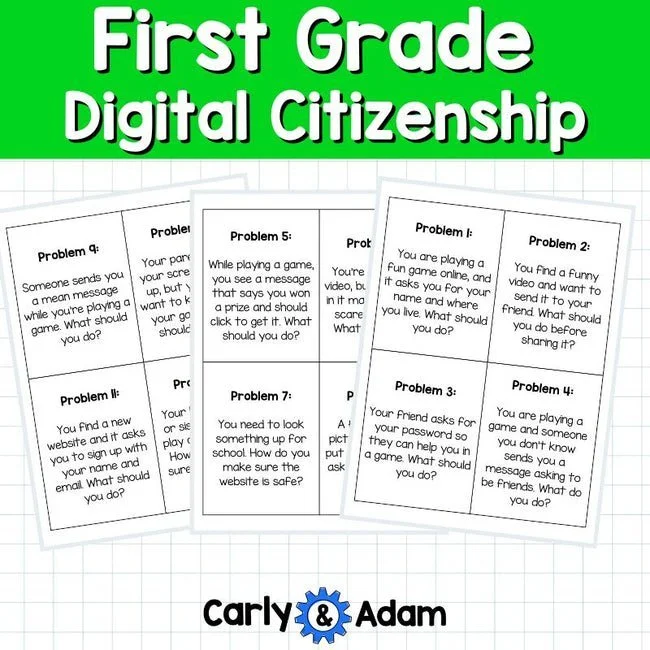
Printable situation cards for the online safety role-plays. Hand each pair or small group a card. Ask them to identify the problem and agree on a safer response before they start acting. For a group that needs help, read the card aloud and offer a sentence starter such as “I’m going to stop and ask ___.” Keep scenes fictional and short. Students can act as a narrator or point to the class chart if they prefer. What should a first grader do when something on a screen feels wrong? This digital citizenship article helps teachers turn online safety rules into responses kids can rehearse. Start with an optional read-aloud and make a short safety chart together. Then model how to read a situation card, identify the problem, and act out a safer choice.
Give pairs a problem and a next step
Hand each pair or small group a card. Ask them to identify the problem and agree on a safer response before they start acting. For a group that needs help, read the card aloud and offer a sentence starter such as “I’m going to stop and ask ___.” Keep scenes fictional and short. Students can act as a narrator or point to the class chart if they prefer.
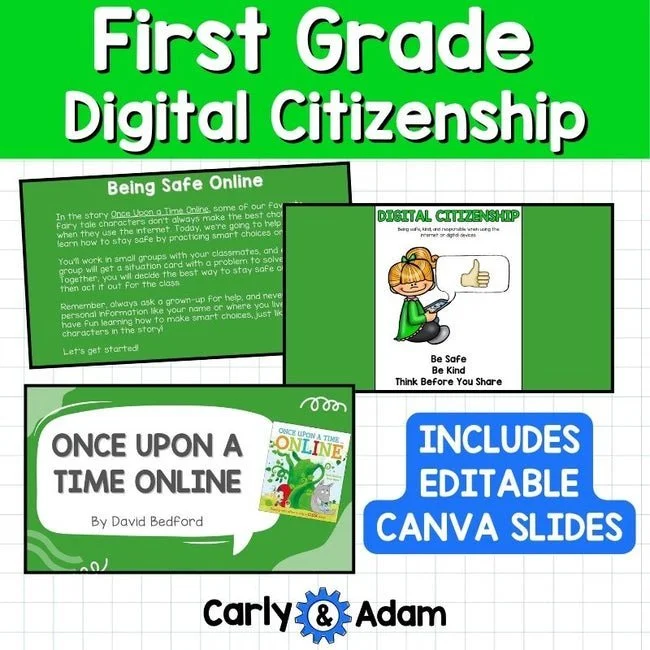
Preview of the editable Canva slides for first grade digital citizenship. After each scene, ask the audience to name the problem, the action, and the rule behind it. If students describe the problem but leave out what to do, give the group a chance to show the next step. At the end of the lesson, have each student rehearse a phrase they could use to get help with a confusing message or screen. What should a first grader do when something on a screen feels wrong? This digital citizenship article helps teachers turn online safety rules into responses kids can rehearse. Start with an optional read-aloud and make a short safety chart together. Then model how to read a situation card, identify the problem, and act out a safer choice.
Listen for the choice in each performance
After each scene, ask the audience to name the problem, the action, and the rule behind it. If students describe the problem but leave out what to do, give the group a chance to show the next step. At the end of the lesson, have each student rehearse a phrase they could use to get help with a confusing message or screen.
Get the First Grade Online Safety Scenario Cards in Carly and Adam’s store.
Spend Less Time Planning and More Time Teaching!
Find ready-to-use lessons, professional development, and a community of educators in the STEM Teachers Club.